

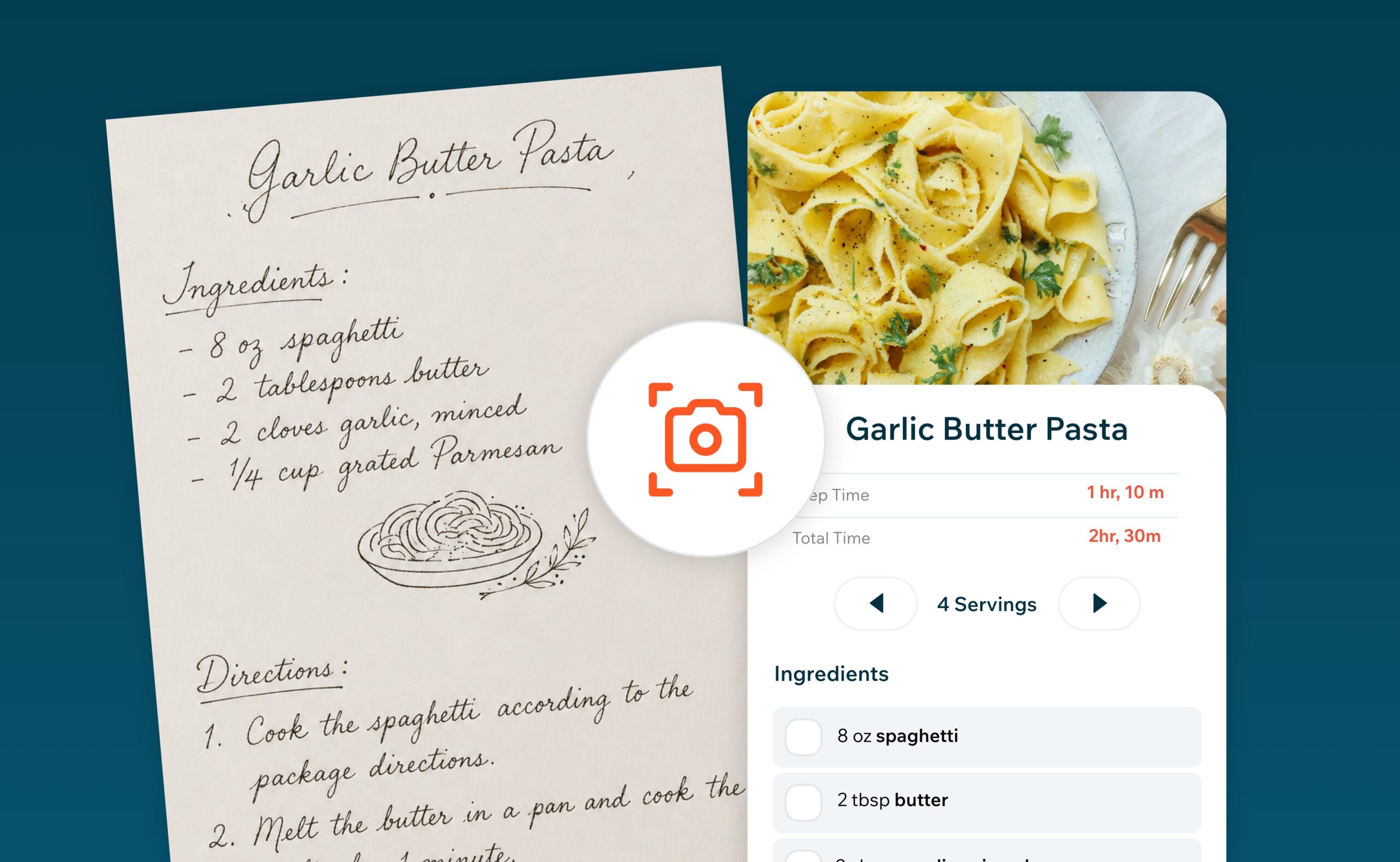
Have a collection of handwritten recipes, old recipe cards, cookbook favorites, or magazine clippings you’d love to keep forever? You can now turn them into organized digital recipes with a simple photo.
Recipe Cloud’s new AI Recipe Scanner captures the details from your paper recipes and turn them into recipes you can review, edit, save, organize, and use throughout the app. It’s a feature Recipe Cloud users have been asking for—and it makes it easier than ever to bring all of your recipes together in one place.
See Recipe Scanner in action:
Scan Handwritten Recipes, Recipe Cards, Cookbook Pages and More
Recipes have a way of ending up everywhere. Some are handwritten on index cards passed down through generations. Others are tucked inside cookbooks, clipped from magazines, printed from websites, or stored in folders and recipe boxes. With Recipe Scanner, you can digitize these recipes simply by taking a photo.
Use it to scan:
- Handwritten recipes
- Family recipe cards
- Cookbook pages
- Magazine recipes
- Printed recipes
- Recipe clippings and other paper recipes
Recipe Cloud uses AI to identify and organize the recipe details, including the ingredients and instructions, creating a digital recipe you can review and edit before saving. No retyping an entire recipe by hand.
Preserve Your Favorite Recipes for a Lifetime
For many of us, a recipe card is more than a list of ingredients. It might contain your grandmother’s handwriting, a dish your family makes every holiday, or a recipe you’ve been cooking for decades.
Paper recipes can fade, become damaged, or simply get lost. Creating a digital recipe archive gives you another way to preserve those recipes and keep them accessible for years to come. Instead of having recipes scattered across cookbooks, cards, folders and boxes, you can bring them into your Recipe Cloud collection alongside the recipes you already save from around the web.
Once Your Recipes Are Digital, You Can Do More With Them
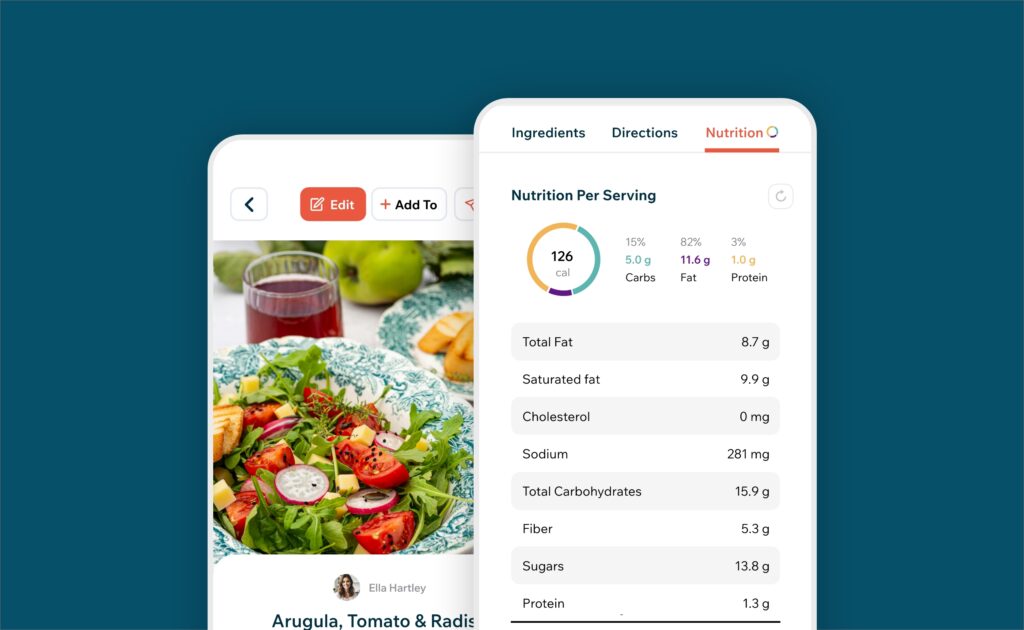
Digitizing a recipe isn’t just about storing a copy. Once your recipe has been added to Recipe Cloud, it becomes part of the same recipe collection you already use for planning, organizing and shopping.
You can:
- Organize recipes into collections to create your own digital cookbooks and categories.
- Add recipes to your meal planner when planning meals for the week.
- Add ingredients to your shopping list so everything you need is ready for your next grocery trip.
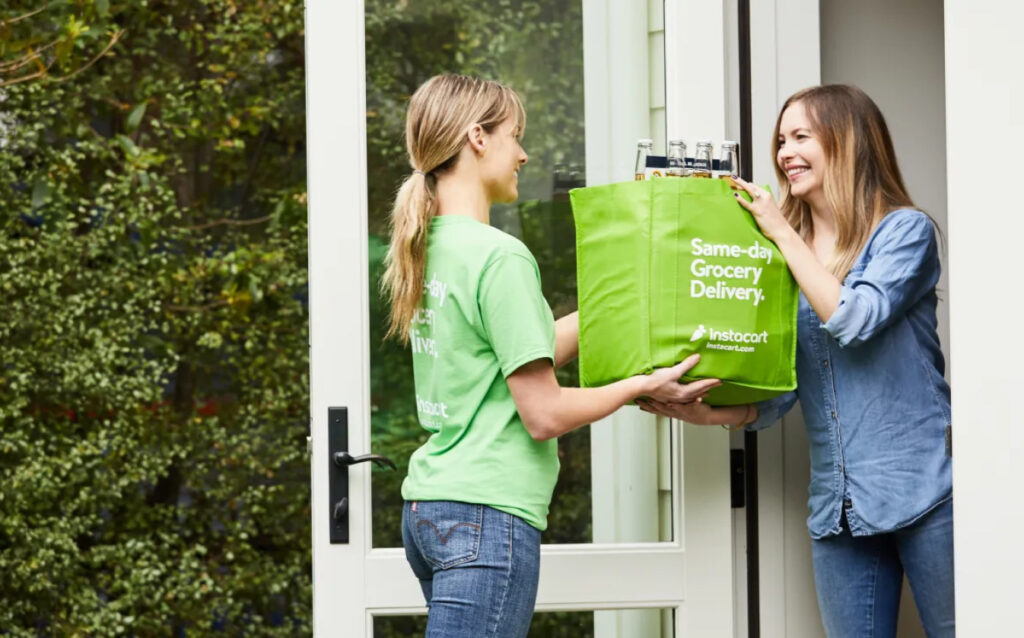
- Purchase ingredients online directly through Recipe Cloud.
- Edit and update recipes as you make changes or add your own notes over time.
That old recipe card in a kitchen drawer can become something you can actually find, organize and use whenever you need it.
How to Scan a Recipe with Recipe Cloud
Digitizing a recipe only takes a few steps:
- Open the Recipe Scanner in Recipe Cloud.
- Take a photo of your recipe.
- Recipe Cloud uses AI to capture and organize the recipe details.
- Review the ingredients and instructions and make any edits you’d like.
- Save the recipe to your Recipe Cloud collection.
Your paper recipe is now an organized digital recipe ready to cook, plan and shop from.
Bring Your Paper Recipes Into Recipe Cloud
Whether you have a handful of favorite recipe cards or boxes of family recipes you’ve collected over a lifetime, Recipe Scanner gives you an easy way to start preserving them digitally.
Take a photo, let Recipe Cloud capture the details, and turn the recipes you already love into an organized collection you can keep using for years to come.
0 Comments